Home / PHP Scripts / AssanPay WHMCS Payment Gateway & Analytics Manager

AssanPay WHMCS Payment Gateway & Analytics Manager

By codestar-231
Verified Developer Rising Star
PHP Scripts
2 Sales
5.0 (0 reviews)
Updated: Oct 14, 2026
Product Description

# AssanPay Payment Gateway & Analytics Manager for WHMCS

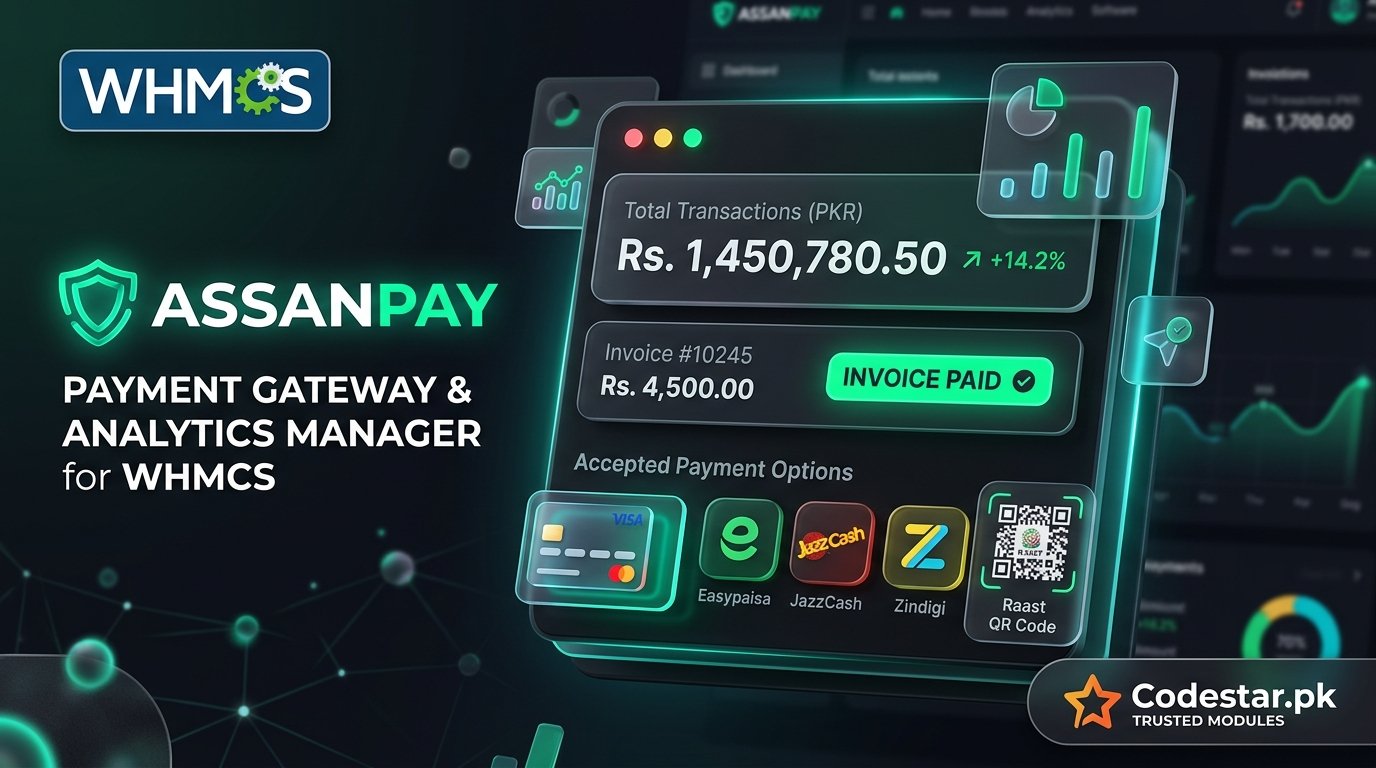
The most complete, secure, and production-ready **AssanPay Payment Gateway & Manager Addon** for WHMCS. Accept payments effortlessly via **Easypaisa, JazzCash, Zindigi, Raast QR Code, and Credit/Debit Cards** in Pakistan with full automated invoice processing.

---

### 🚀 Key Features

- **Multi-Payment Method Support:** Supports Easypaisa, JazzCash, Zindigi, Raast QR, and Credit/Debit Cards via AssanPay Hosted Checkout.
- **HMAC-SHA256 Request Verification:** Full cryptographic request signatures (`X-API-KEY`, `X-TIMESTAMP`, `X-NONCE`, `X-SIGNATURE`).
- **Instant Webhook & Return Auto-Crediting:** Automatically credits WHMCS invoices as Paid via background webhooks and instant customer return redirect.
- **Automated Service Provisioning:** Triggers cPanel hosting setup, domain registration, and invoice emails immediately upon payment.
- **Live Merchant Balance Dashboard:** Real-time balance check (`/api/merchant/balance/h2h`) inside WHMCS Admin Addon area.
- **Multi-Domain Auto-Fallback:** Prevents 404 URL mismatches across AssanPay portal & business endpoints.
- **CodeStar License Protection & 1-Click Auto-Updater:** Features domain locking, revocation guard, and 1-click update downloader.

---

### đŸ“Ļ What's Included

- `modules/gateways/assanpay.php` (Main Payment Gateway Module)
- `modules/gateways/callback/assanpay.php` (Webhook Listener & Payment Creditor)
- `modules/addons/assanpay_manager/assanpay_manager.php` (Admin Addon Dashboard)
- `modules/addons/assanpay_manager/CodeStarLicense.php` (CodeStar License SDK)
- `modules/addons/assanpay_manager/CodeStarUpdater.php` (CodeStar 1-Click Updater SDK)
- `README.md` (Installation & Setup Documentation)

---

### âš™ī¸ Quick Installation

1. Upload the `modules/` folder to your WHMCS root directory.
2. Go to **WHMCS Admin ➔ System Settings ➔ Payment Gateways** and activate **AssanPay**.
3. Enter your **CodeStar Purchase Code**, **AssanPay API Key**, **API Secret**, and **Branch Code**.
4. Go to **WHMCS Admin ➔ System Settings ➔ Addon Modules** and activate **AssanPay Manager**.
5. Save changes and start accepting automated payments!

Available Service & Customization Add-ons

WHMCS Module Installation & Setup
Delivery Time: 1 day
Custom Branding & Logo Setup
Delivery Time: 1 day
Category
PHP Scripts
Version
v1.0.0
Sales
2
Regular License
$10.80
$12.00
One-time purchase, lifetime downloads & updates
Login to Purchase
Rent-to-Own Plan 5 Payments
$2.16 / month
Instant full access today. Own permanent Lifetime License after 5 payments!
Start Rent-to-Own ($2.16/mo)
Verified Secure Code
Security Score: 80/100
Source Code Escrow Vault
Disaster Recovery Guaranteed
Certified
Rating 0.0/5
Total Sales 2
Version v1.0.0
Sold by
CodeStar
Verified Developer Rising Star
Price
$10.80